Explore Liteline’s New STRIPE Layout Builder
September 3, 2026
Design a STRIPE honeycomb layout, see a live bill of materials, and generate a branded RFQ PDF — all in your browser. Take a 60-second tour, or skip straight in.
Step 1 of 6
Choose a pattern
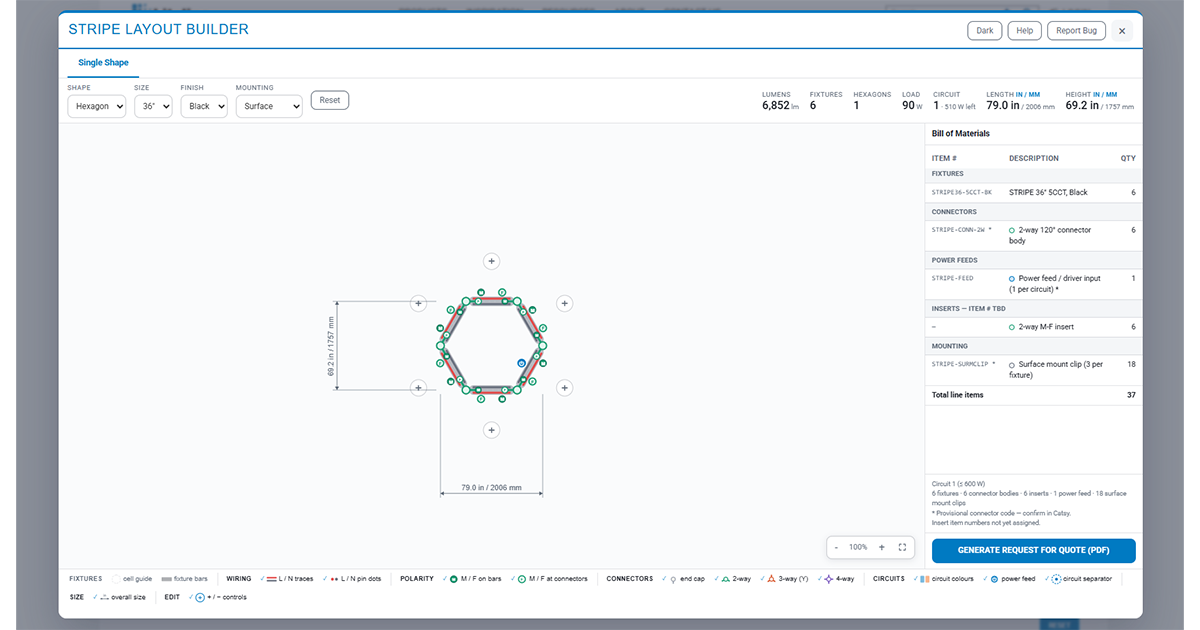
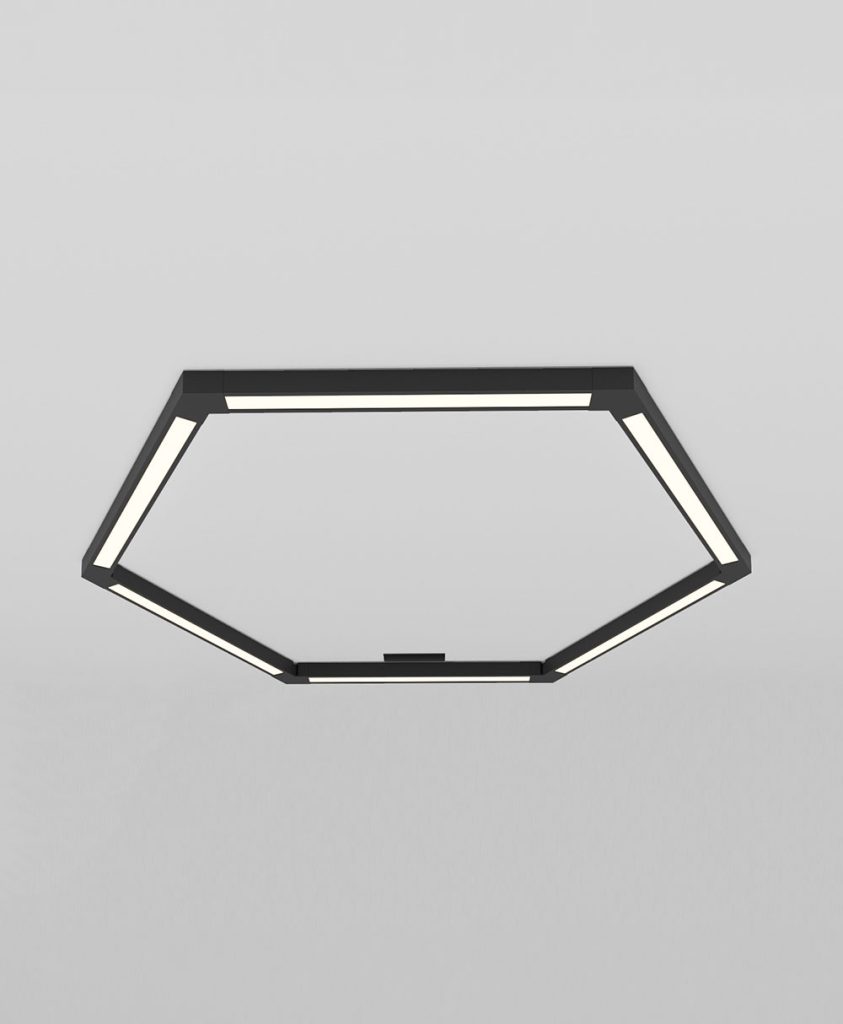
STRIPE tiles in three geometries — Square, Hexagon (default), or Octagon. Picking one resets the canvas to one starting module. Every fixture is the same length in all three, so they’re directly comparable.
Step 2 of 6
Set fixture size, finish, and mounting
Size sets every fixture’s length (18″–48″) — bigger means more lumens and watts, and a larger system. Finish switches the whole layout between Black and White. Mounting adds surface mount clips to the bill of materials; pick Suspended and Customer Service will issue the shop drawing and hardware list.
Step 3 of 6
Grow the layout
+ Click any hollow + to snap on another module.
− Every module but the first shows a red − to remove it. Use Reset to start over.
Step 4 of 6
Read the diagram
Red/gray traces are the Live/Neutral wiring. Discs at each joint are connectors, colored by type: end · 2-way · 3-way · 4-way. Dimension lines show overall length & height in inches and mm.
Step 5 of 6
Read the Bill of Materials
The panel on the right lists every fixture, connector, and insert your design needs — grouped into sections and recalculated live as you build.
Step 6 of 6
Generate a Request for Quote
When you’re happy with the layout, click here to download a branded PDF — configuration summary, diagram, and full bill of materials — ready to send to Liteline for pricing.