EBH Introduce New eCommerce Feature: Share Product Lists with Your Team and Customers
October 23, 2026
Share Product Lists in Seconds: A New Way to Collaborate Online
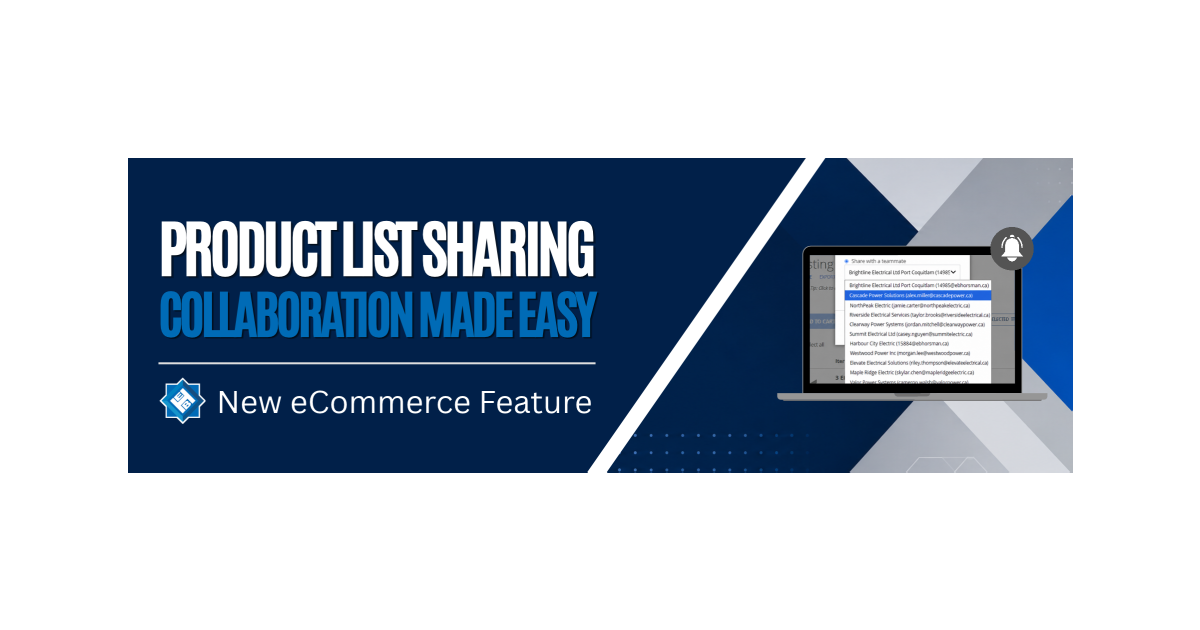
Collaboration just got easier. EB Horsman & Son are excited to introduce List Sharing, a new feature on the EB Horsman & Son eCommerce platform that allows customers to quickly share saved product lists with teammates, customers, and project partners.
Whether you’re coordinating purchases across multiple locations, gathering approvals, or sharing material recommendations, List Sharing helps streamline the process and keep everyone aligned.
Why Use List Sharing?
Managing product lists is often a team effort. With List Sharing, you can:
- Collaborate on product selections
- Review and approve items before ordering
- Create standardized purchasing lists for your organization
- Share frequently ordered products across teams and locations
- Send material lists and recommendations to customers
- Work more efficiently with project stakeholders
Option 1: Share a List with a Teammate
Need input from a colleague or want to provide a ready-to-order list to another team member? You can now share saved lists with users within your company account.

How to Share Internally
- Log in to your online account and navigate to My Lists.
- Open the list you’d like to share.
- Click Share.
- Select Share with a Teammate.
- Choose a user from your company account.
- Click Share.
The recipient will receive an email notification with a link to access the list. When they open it, the list will be added to their My Lists section.
What Happens Next?
- The shared list becomes a copy in the recipient’s account.
- Recipients can add, remove, or modify products without affecting the original list.
- Product pricing automatically updates based on the recipient’s account pricing.
This makes it easy for purchasing teams, branch locations, and project groups to work from the same starting point while maintaining flexibility.
Option 2: Share a List via Email
Need to share a material list with a customer, contractor, consultant, or project stakeholder? You can send lists directly to any email address, even if the recipient isn’t part of your company account.
How to Share Externally
- Log in to your online account and navigate to My Lists.
- Open the list you’d like to share.
- Click Share.
- Select Share via Email.
- Enter the recipient’s email address.
- Click Share.
The recipient will receive an email with instructions on how to access the list.
If they don’t already have an online account, they’ll also receive information on how to create one so they can view and save the list.
Perfect For
The new List Sharing feature is ideal for:
- Material lists and project quotes
- Product recommendations
- Customer and contractor collaboration
- Purchasing approvals
- Frequently ordered parts lists
- Multi-site purchasing coordination
Built for Better Collaboration
EB Horsman’s goal is to make purchasing and project planning as efficient as possible. By allowing customers to easily share product lists both internally and externally, teams can spend less time recreating lists and more time moving projects forward.
List Sharing is another step toward a more connected, collaborative, and customer-focused online experience at EB Horsman & Son.